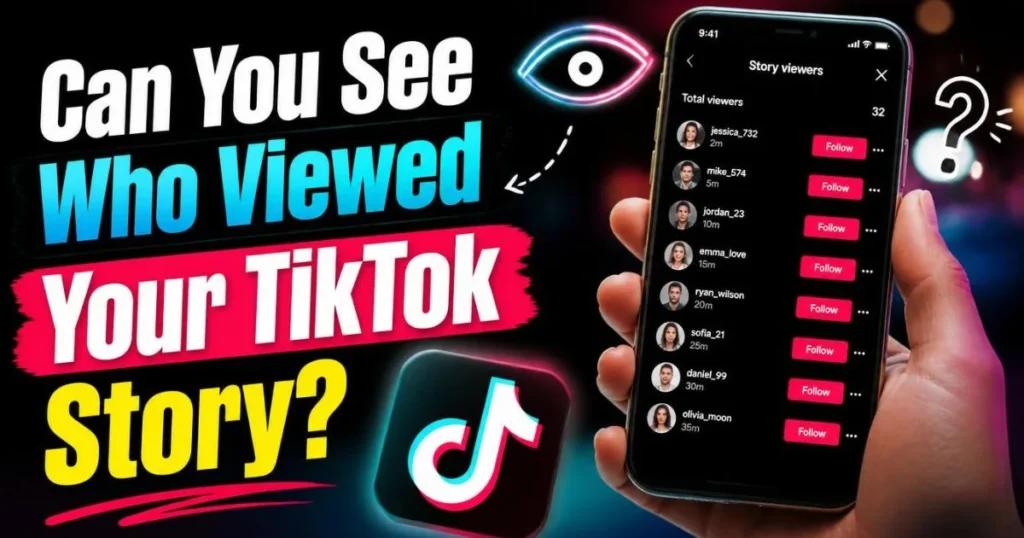
Yes TikTok shows you exactly who viewed your story. How to check the viewer list, what the order means, how to turn off story views, and how to watch stories anonymously.
can you see who viewed your tiktok story
✓ Last updated: July 2026
⚡ Quick Answer — TikTok Story Views 2026
YESStory views are always visible to the creator. TikTok shows you every account that watched your story — no mutual opt-in, no follower limit, no eligibility requirements. This is completely different from profile views.
NO HIDINGViewers cannot hide themselves. Turning off Profile View History does NOT hide you from story viewer lists. The only way to watch a story anonymously is to use a server-side tool like TokPlex’s anonymous story viewer.
24 HRSViewer list lasts 24 hours. You can see who watched while the story is live. Once the story expires, the viewer list is gone too — you cannot retrieve it afterward.
TikTok story views work more like Instagram Stories than like TikTok’s own profile view system. The moment someone taps your story, their name goes into your viewer list — no settings involved, no mutual requirement, no account size restriction. Every creator, from 50 followers to 50 million, can see exactly who watched their stories.
This is important to understand because it is the opposite of how TikTok handles profile views (which require mutual opt-in and have a 5,000-follower cap) and video views (which never show individual viewer names). Stories are TikTok’s one fully transparent viewer-tracking feature.
How to See Who Viewed Your TikTok Story
1
Open TikTok while your story is live
Stories expire after 24 hours. The viewer list is only accessible while the story is still active — once it expires, the list disappears with it.
2
Tap your story on your profile
Go to your Profile page and tap your own story thumbnail at the top. Your story will open in full-screen view.
3
Swipe up or tap the eye icon
At the bottom of your story, you will see an eye icon with a number next to it — the view count. Tap it or swipe up to open the full viewer list.
4
Browse the viewer list
You will see usernames and profile pictures of everyone who watched. The list updates in real time as new viewers come in.
Cannot find the eye icon? Make sure you are viewing your own story (not someone else’s). If you see a story but no eye icon, you may be viewing a story that has already expired — refresh your profile and try again. Rarely, a TikTok app update can temporarily affect UI elements — force-close and reopen the app.
What Does the Order of TikTok Story Views Mean?
📊 How TikTok Orders Your Story Viewers
1
Highest engagement first — accounts that have liked, commented on, or visited your profile most recently appear at the top. TikTok prioritizes your warmest audience.
2
Mutual followers / close connections — accounts you interact with frequently (DMs, comments) tend to rank higher in the list than strangers who stumbled onto your story.
3
Chronological for newer views — at the bottom of the list, newer viewers appear in roughly reverse-chronological order. Early viewers tend to be pushed down as more engaged accounts accumulate.
What does the order of TikTok story views mean in practice? It means the first few names on your viewer list are likely your most engaged followers — people who frequently interact with your content. Seeing a brand’s account or a notable creator near the top of your story views is a strong signal of genuine interest.
TikTok has not officially published the exact ranking algorithm for story viewers. The pattern above is based on consistent user observations and matches what TikTok applies to other engagement-ranking systems across the platform. The order is not purely chronological — it is influence- and engagement-weighted.
How to Turn Off Story Views on TikTok
If you do not want to see your story viewer list, or you want to stop recording who watches your stories, you can disable the feature:
1
Open Settings and Privacy
Tap your Profile → three-line menu (top right) → Settings and Privacy.
2
Go to Privacy → Story settings
Tap Privacy, then look for “Story” or “Story view history” in the list.
3
Toggle Story view history OFF
Switch the toggle to OFF. Once disabled, new viewers are no longer added to your list. Viewers who watched before you turned it off remain in the current story’s existing list until the story expires.
Important: Turning off story view history affects your own view of the list — it does not make you invisible when you watch other people’s stories. Story views work independently of Profile View History settings. The only way to watch someone else’s story without appearing in their list is covered in the next section.
How to Watch TikTok Stories Without Them Knowing
Unlike profile views (which can be hidden by turning off Profile View History), story views do not have an official anonymous mode. If you tap a story inside the TikTok app, your name goes in the creator’s viewer list — period. There is no setting that changes this.
Three approaches, with honest assessments of each:
✅ Method 1 — Use an Anonymous Story Viewer Tool (Most Reliable)
TokPlex’s anonymous TikTok story viewer loads stories server-side. Your device, your account, and your identity are never part of the request. TikTok has nothing to record in the viewer list because the view never originated from you. This is the only method that is reliably, technically anonymous for story views — not a workaround, but a structural bypass.
Open TikTok, let the story pre-load, then switch to airplane mode before tapping the story. The theory is that if you view the story while offline, TikTok cannot log the view. This works inconsistently — newer TikTok versions often queue and sync the view when connectivity returns. Not recommended for situations where anonymity is important.
❌ Method 3 — Turning Off Profile View History (Does Not Work)
This is the most common misconception. Profile View History and story view tracking are completely separate systems. Turning off Profile View History has zero effect on story viewer lists. You will still appear in story view lists regardless of your Profile View History setting.
TikTok View Tracking — Stories vs. Videos vs. Profiles
Content Type
Can creator see viewers?
Anonymous mode?
Duration of list
Stories
✅ Always — full list
❌ Not in-app. Use server-side tool.
24 hours (story lifetime)
Videos
❌ Never — total count only
✅ Always anonymous
N/A — never logged
Profiles
⚠️ Conditionally — mutual opt-in + 5K limit
✅ Turn off PVH before visiting
30 days
The key takeaway: stories are TikTok’s most transparent content type for viewer tracking. Every creator sees every viewer, always. If you browse someone’s story inside the app, they know. This is why the anonymous story viewer exists and gets so much use — it is the only reliable way to watch stories privately.
👻 Watch TikTok Stories Without Appearing in the Viewer List
TokPlex’s anonymous story viewer loads stories server-side. Your name never appears. Free, instant, no login required.
Yes. TikTok shows you a complete list of every account that watched your story while it is live. Tap the eye icon at the bottom of your story to see the list with usernames and profile pictures. The list is available to all creators with no follower count restriction — unlike profile views, which require under 5,000 followers.
Only while the story is live — 24 hours from posting. Once the story expires, the viewer list disappears with it permanently. You cannot retrieve viewer data from an expired story. If tracking viewers matters to you, check the list before the 24-hour window closes.
TikTok orders viewers by engagement signals, not purely by time of view. Accounts that have interacted with your content most recently (likes, comments, profile visits) tend to appear higher in the list. Mutual followers and close connections also rank higher. The exact algorithm is not published by TikTok, but the order reflects audience warmth more than who watched first.
Settings and Privacy → Privacy → Story settings → toggle Story view history OFF. Once off, new viewers are no longer added to your list. Note: this affects your own visibility into the list — it does not hide you when you watch other people’s stories. Your name still appears in their viewer lists regardless of this setting.
Yes — always. Story views are always visible to the creator. Unlike profile views (which require mutual opt-in), there is no setting that prevents the creator from seeing you watched their story. The only exception is using a server-side anonymous viewer tool, which routes the request through an external server so TikTok never receives your identity.
No. Profile View History and story view tracking are completely separate systems. Turning off Profile View History has zero effect on whether you appear in someone’s story viewer list. This is the most common misconception about TikTok privacy settings.
The only reliable method is to use TokPlex’s anonymous TikTok story viewer. It loads stories through a server-side request — your identity never reaches TikTok, so your name never appears in the viewer list. The airplane-mode trick works inconsistently in 2026, as TikTok often queues and syncs the view when connectivity returns.
If the eye icon is missing or shows no data: (1) the story may have already expired (24 hours after posting); (2) you may be viewing a story from someone else’s account, not your own; (3) your app may need an update; (4) Story view history may be disabled in your privacy settings. Check Settings → Privacy → Story settings to confirm the feature is on.
No. Once a story expires (24 hours after posting), the viewer list is permanently gone. TikTok does not archive story viewer data after the story disappears. If you want to save the viewer data, screenshot the list before the 24-hour window closes.
TikTok counts and shows how many total times your story was viewed, but each individual account’s name appears only once in the list regardless of how many times they replay the story. The total view count (the number next to the eye icon) reflects total plays, not unique viewers.
No. TokPlex is an independent tool, not affiliated with, endorsed by, or sponsored by TikTok or ByteDance Ltd.